On this page
Direct answer
Explore, reach checkpoints, unlock better gear
You play Over the Hill by choosing an area, driving to its objectives and checkpoints, and using what you unlock to reach harder places. There is no race clock. The Steam page calls it a driving game, not a racing game, and leaves the route up to you.
Your first sessions come down to three habits. Read the terrain before committing, because grip changes with the surface, the weather and your tyres. Carry the tools the situation needs: planks for gaps, a winch for recovery and repair kits for damage. And follow portals when you find them, since they are how you reach new areas.
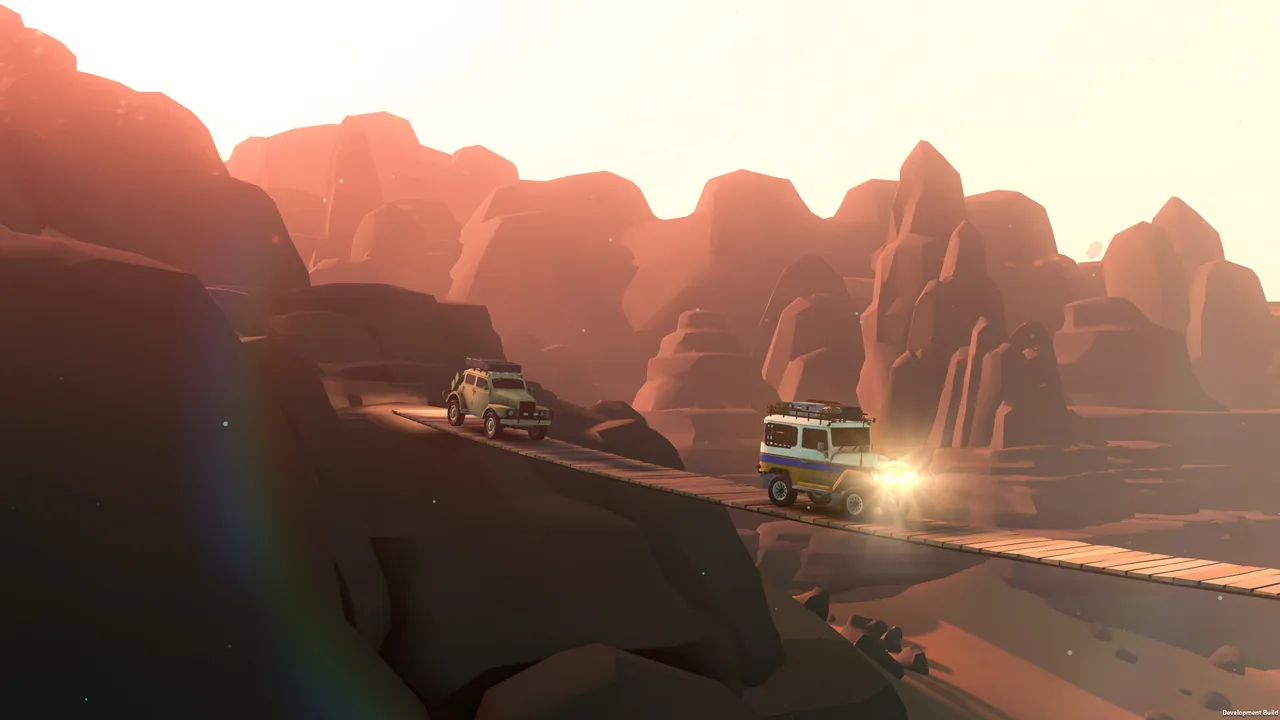
Start alone or bring friends
Every area can be played alone or online with up to three friends, and the official FAQ confirms the two modes share progress: objectives you complete in single player stay completed in multiplayer, and the other way round. Solo is the calmer way to learn how a heavy 4x4 behaves on loose ground.
Co-op changes the pace rather than the rules. Friends can pull each other out of trouble, but the FAQ is clear that each player has to reach a checkpoint personally to complete it. Starting alone costs you nothing if you plan to join friends later.
Read the terrain before you commit
The FAQ lists several terrain types with different grip levels and says tyre condition and weather also change grip. The Steam page adds dynamic weather and a day and night cycle, and the official site mentions realistic terrain deformation, so a slope that was easy in sunshine can turn into a slide after rain or snow.
- Stop before steep or muddy sections and look for a firmer line.
- Use the low gear for slow, technical ground and the high gear for open tracks; the FAQ confirms both exist but not how large the difference is.
- Expect ruts: deformable terrain means the ground behind a friend’s car may be softer than it looked.
- Treat worn tyres and bad weather as reasons to slow down, not to push harder.
Match each obstacle to a tool
The Steam description puts problem-solving at the centre: different situations call for different solutions, and you are expected to bring the right equipment. Damage matters too. The FAQ describes an overall health system in which a damaged car looks worse and performs worse until it is repaired.
- Gap or broken track: lay planks to cross it, as the Steam page describes.
- Stuck in mud or off the line: deploy a winch to recover the vehicle onto firmer ground.
- Battered car that handles badly: spend a repair kit on your car or a friend’s; the FAQ says the supply is limited.
- Storm or snow ahead: bring the equipment the conditions call for. Funselektor’s August update showed tools for treacherous weather without listing them all.
Reach objectives and follow portals
Objectives are how the game rewards exploration. The official website says completing them unlocks new vehicles, upgrades, customisations and cosmetics, and the Steam page lists remote cabins, scenic viewpoints, natural landmarks and fallen meteorites as places worth finding. Portals take you to new areas, and the FAQ says you can travel between areas without returning to the main menu.
Areas are hand-crafted rather than procedural and measure about 4 km by 4 km each, so it is worth covering one properly before moving on.
Spend what you unlock
Upgrades and equipment are found around the world, and merchants and cabins let you change colours, accessories and cosmetics, according to the Steam page. The FAQ confirms upgrades for parts and tyres but says Funselektor is still reviewing how much they change the driving, so treat early unlocks as helpful rather than essential.
Use the breaks the game builds in
Over the Hill leaves room to stop. The press kit mentions setting up a campsite after a long day in the elements, the official site describes gathering friends around a campfire, and the Steam page says photographing animals fills out an in-game wildlife compendium. None of this is required, but it is where the game’s calm tone comes from.
Questions players also ask
Do I need friends to play Over the Hill?
No. Every area can be played in single player, and the official FAQ says progress carries over between single player and multiplayer.
Is there a timer or score?
The official material does not describe race timers or scores. Objectives, checkpoints and unlocks are the structure, and the Steam page calls it a driving game rather than a racing game.
Can I play with a racing wheel?
Not at launch. Funselektor is prioritising gamepad and keyboard, so wheel support with force feedback is not planned for the initial release.
Reference record